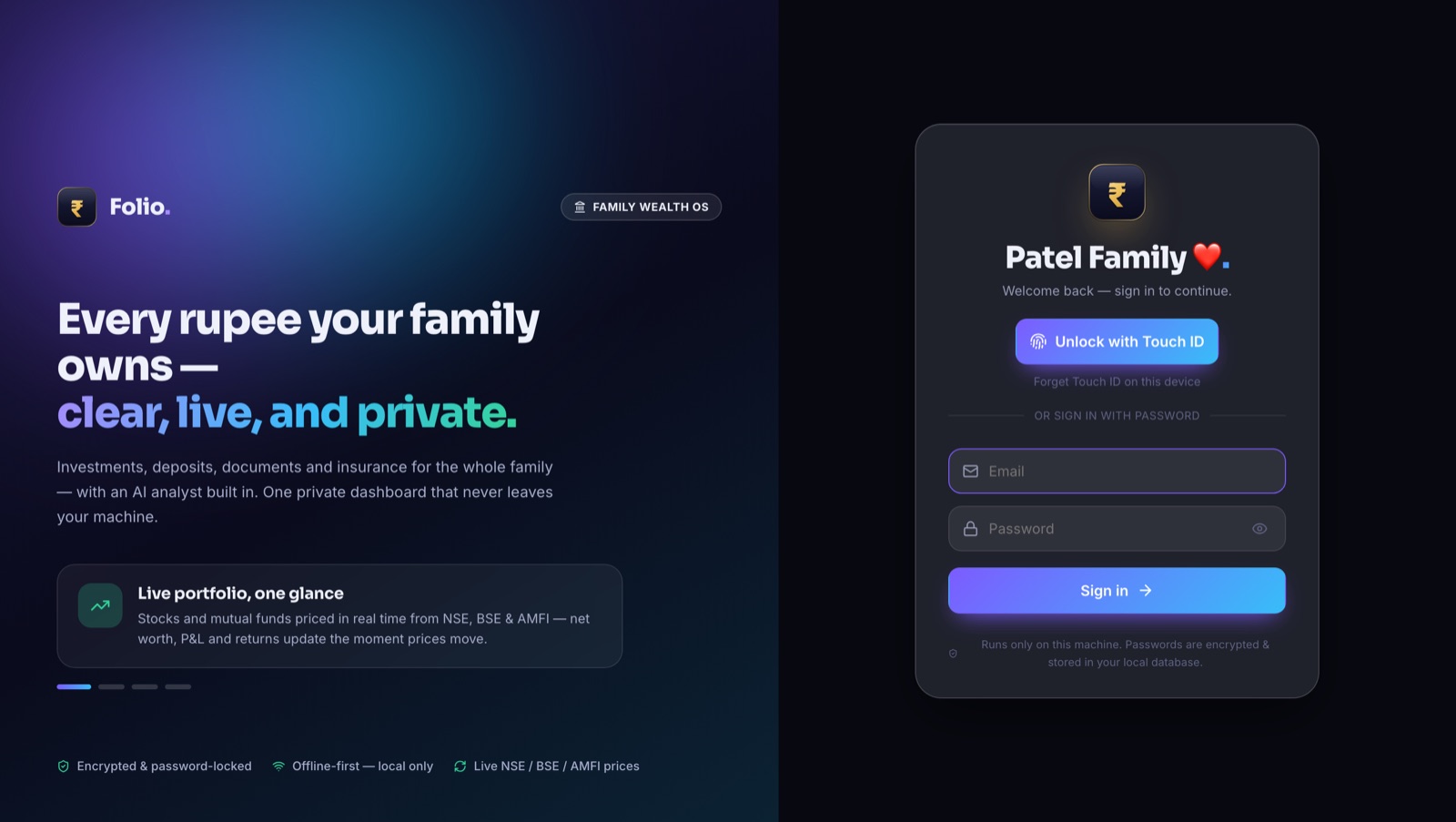
I made a desktop app called Folio. It keeps all of my family's money in one place — stocks, mutual funds, bank accounts, fixed deposits, insurance, and important papers. It runs fully on my own computer. Nothing goes to the cloud. Only live prices and news are pulled from the internet.
Why I built it
Our family money was spread all over the place. Some stocks in one app. Bank details in a note. Fixed deposits on a bit of paper. Policy PDFs lost in email. When I wanted a simple answer — "how much do we have in total?" — there was no easy way to see it.
I also did not want to put all of this on some company's server. Money data is private. So I set two hard rules: it must show everything in one place, and the data must never leave my machine.
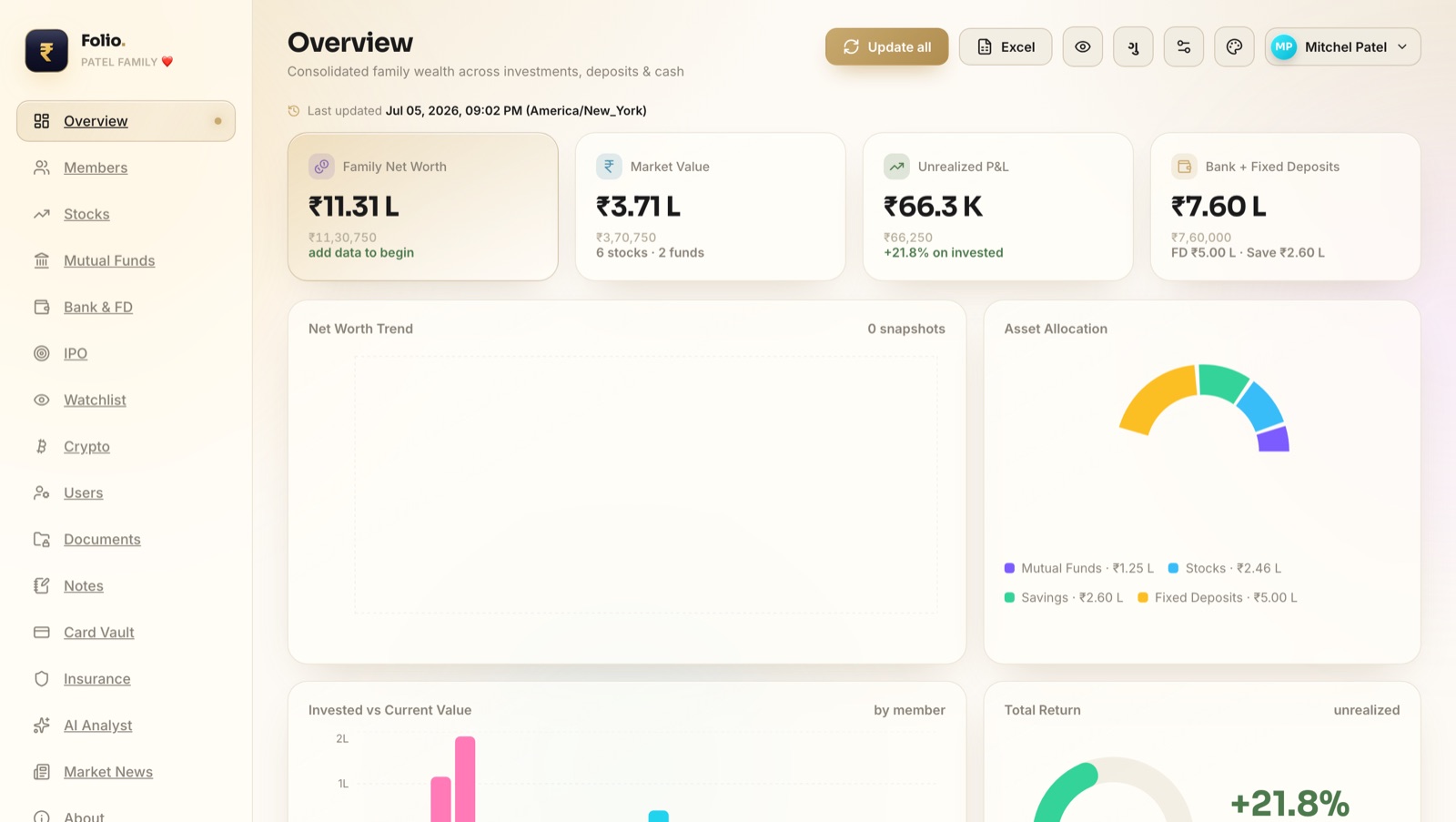
This is the first screen. In one look I can see the total family net worth, how much is profit, and how the money is split between stocks, funds, savings and deposits. The numbers update as prices move.
What it can do
Folio is not just one thing — it is a small set of tools that all share the same data. Here is the full list, in plain words:
- 📊StocksAll your shares with live prices from NSE/BSE. It shows buy price, today's value and profit.
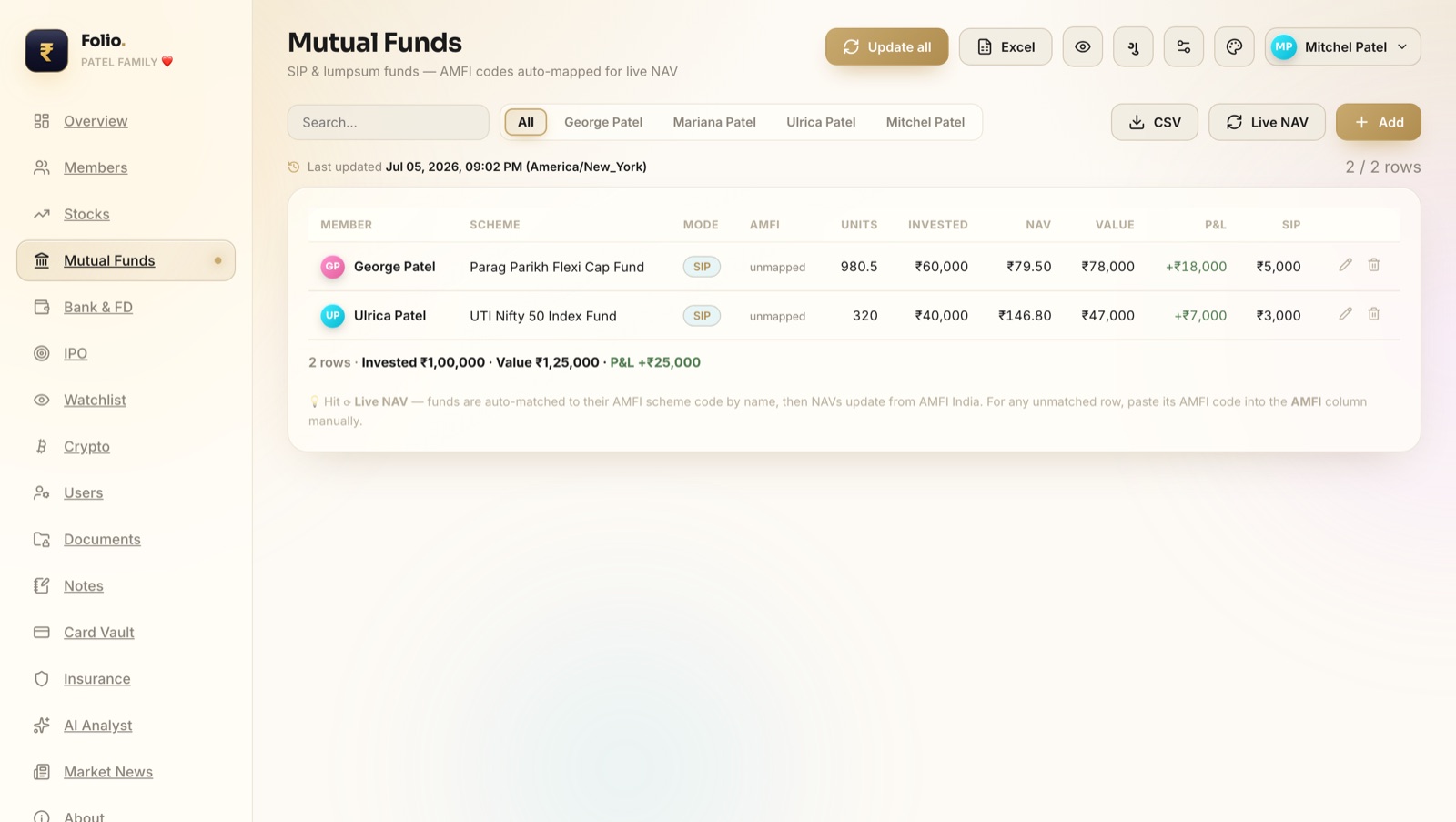
- 🏦Mutual FundsYour SIPs and funds with live NAV pulled from AMFI. Invested vs current, per fund.
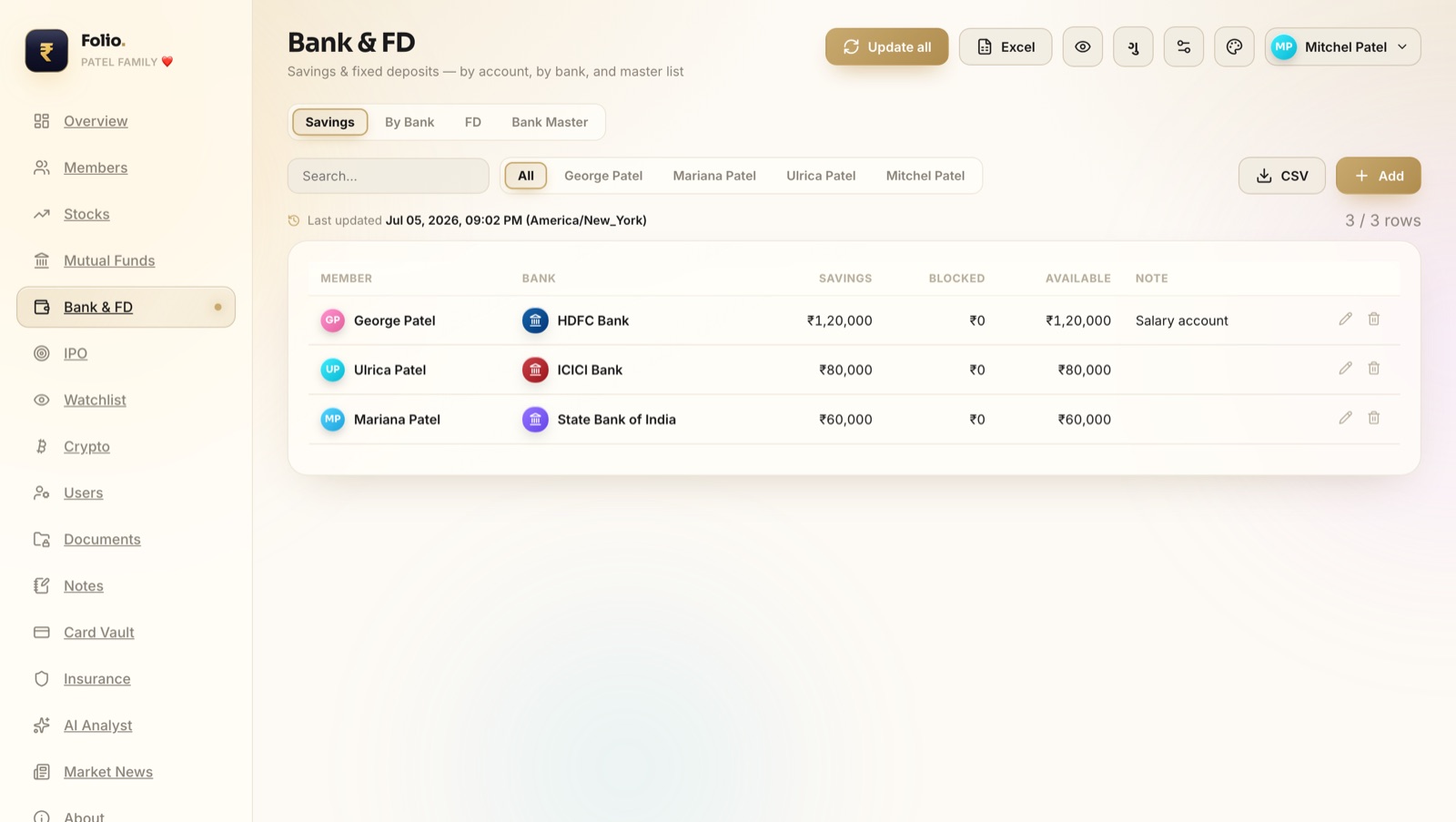
- 💰Bank & FDSavings balances and fixed deposits, by person and by bank.
- 👀WatchlistStocks you want to buy later, with a target quantity and how much you need.
- 🎯IPOsTrack IPO applications — money blocked, allotted or sold.
- ₿CryptoYour coins and their live value, kept next to everything else.
- 👨👩👧MembersEach family member is a person in the app. Every record belongs to someone.
- 📁DocumentsA safe box for important files — kept on your own disk, not the cloud.
- 🛡️InsuranceAll policies in one list, with the PDF attached.
- 💳Card VaultCard details, locked behind your password.
- 📝NotesQuick notes tied to your money — no separate app needed.
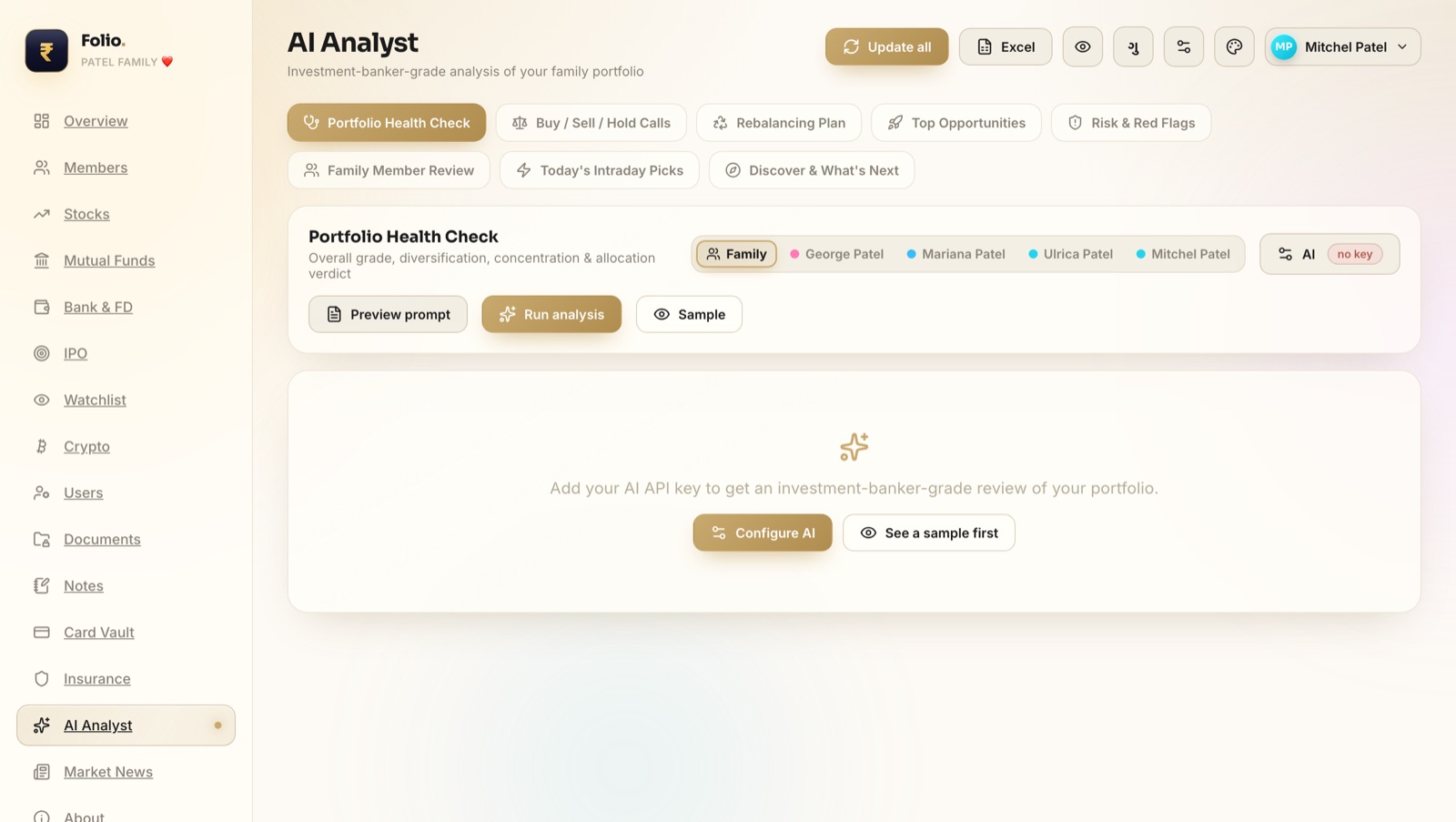
- 🤖AI AnalystAsk AI to check your portfolio and give plain advice (uses your own key).
Plus market news, and one-click Excel import and export so I can move data in and out any time.
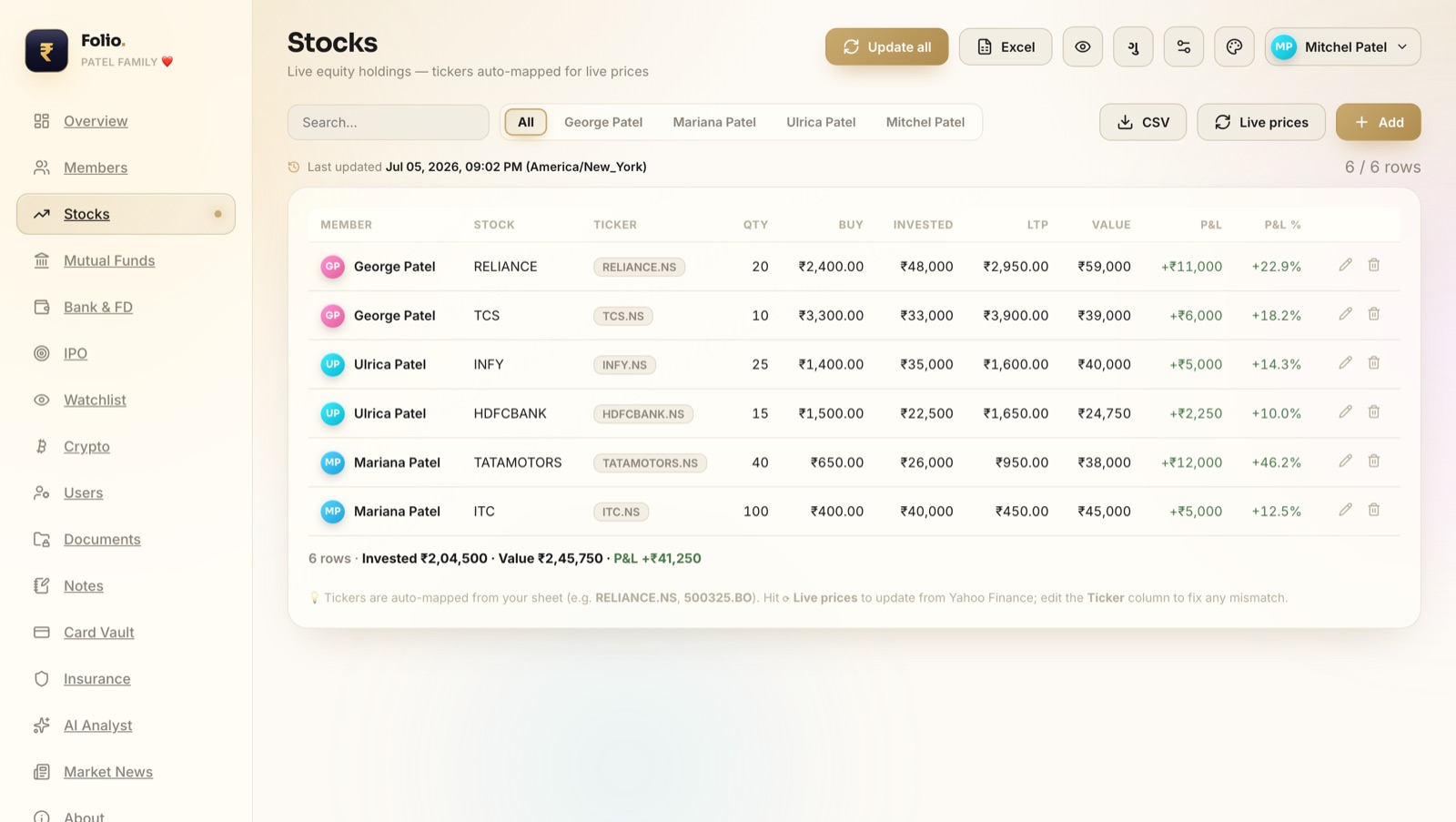
The stock and fund pages read the ticker for each holding and fetch the live price. So the profit and loss you see is real-time, not something I typed in.
The AI helper
The part I like most is the AI Analyst. It reads your own numbers and gives a simple review — like a health check on your money. It can suggest what looks risky, what is doing well, and what to think about next. You plug in your own AI key, so the app stays free and private.
How it works (the tech part)
Folio is one desktop app written in Rust. I used Tauri to make it a real Mac app with a proper window and menu. The whole thing is a single program — no separate server to start, no Node, no Docker.
Inside that one program there is a tiny web server running only on 127.0.0.1 (your own machine). It talks to a small SQLite database file. The screen you see is a React app that asks this local server for data. Because the server only listens to your own computer, nothing is open to the internet.
~/Documents/Folio). You can move it, back it up, or put it on a USB drive. The app just points to that folder. Passwords are encrypted. The only time the app touches the internet is to fetch live prices, news, and (if you ask) the AI review.
The result
Now there is one app I open to see the whole picture. Add a stock, a deposit, or a policy, and it all rolls up into a single number I can trust. It is private (stays on my machine), live (real prices), and all in one place — which is exactly what I wanted from the start.
📌 Note: the family name, the member names (Patel Family, George, Ulrica, Mariana, Mitchel) and all the amounts in the screenshots above are sample data made just for this post — not real people or real money.